
What Is IPTV? A Complete Beginner's Guide
Internet Protocol Television explained from first principles: what it is, the different kinds you'll meet in the UK, and what you need to get started.
Read guideIPTV UK is the best IPTV subscription for Smart TV, Firestick, Android and iPhone. Explore compatible devices, 1 to 5 connections and a smarter way to enjoy internet-based television across the UK.
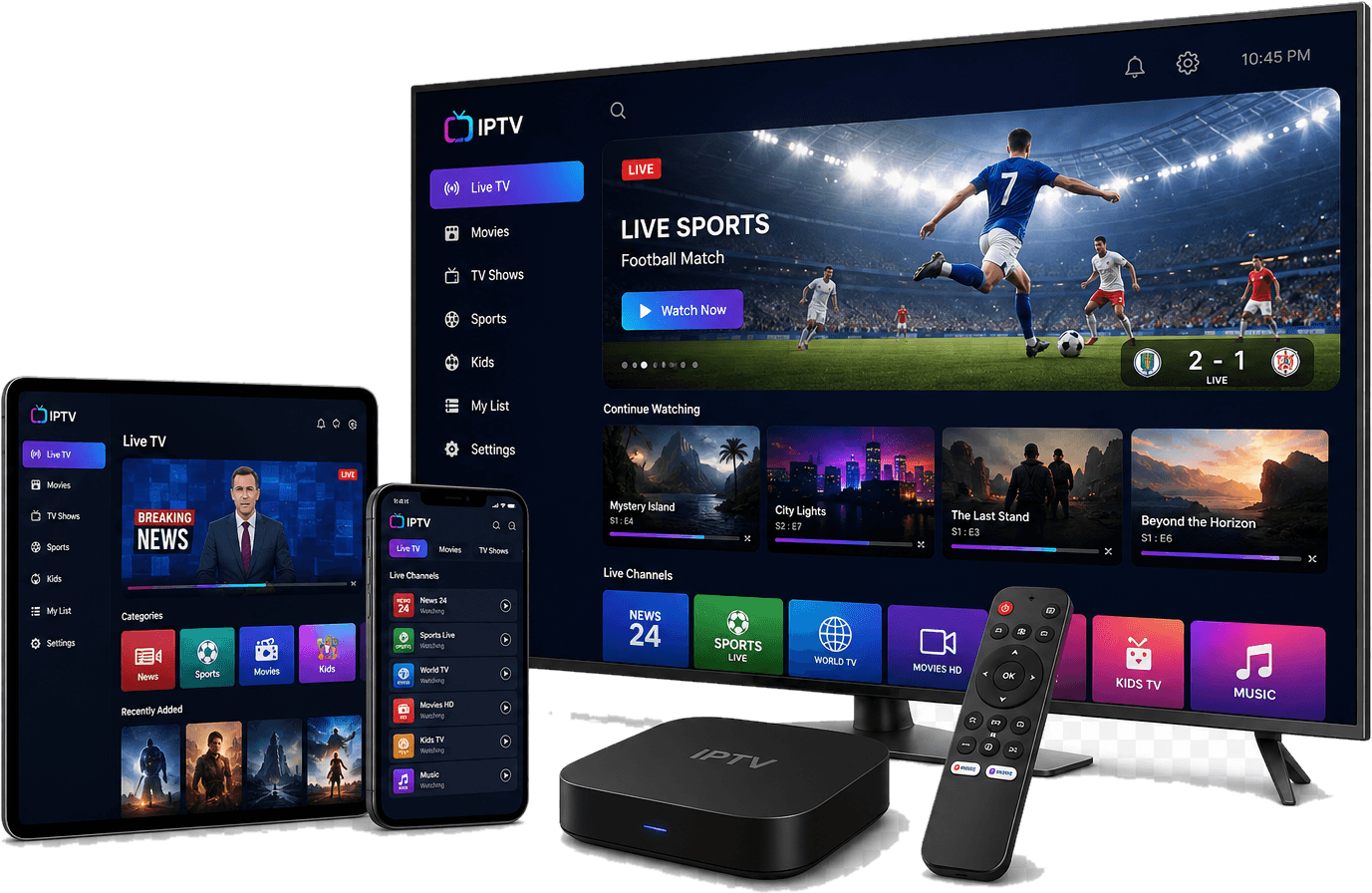
IPTV UK is a British brand with a simple focus: the best IPTV subscription experience on every screen, backed by honest, plain-English guidance and 24/7 support.
Your IPTV UK subscription brings the playlists and programme guides you're entitled to use into one fast, elegant app across every screen in your home — with setup help and 24/7 support included. Channels and playlists are not included.
Six reasons British households choose the IPTV UK subscription — every one included in every plan.
Plays live and on-demand streams delivered over broadband as HLS or MPEG-TS — the same technology behind the UK's own broadcaster apps.
One IPTV UK subscription across Smart TVs, Android TV, Firestick, phones, tablets and computers, installed from official app stores.
Attach an XMLTV guide and browse a smooth seven-day timeline, with manual channel mapping when automatic matching falls short.
Adaptive playback with hardware decoding where your device supports it, plus subtitle and audio-track selection.
Remote-first navigation, favourites, custom groups and separate viewer profiles, so everyone in the household sees their own TV.
Reads standard M3U and M3U8 playlists, so it works with sources you're entitled to use — from operator feeds to your own media server.
Your IPTV UK subscription works on the Smart TVs, Firesticks, phones and computers British households actually own. Check the app store listing for your exact model before ordering.
IPTV is simpler than it sounds. Here's the path we guide every customer along.
Learn how television travels over broadband, and how an IPTV subscription differs from traditional TV.
Pick 1 to 5 connections and the term that suits you, then install the IPTV UK app from official app stores.
Install from the app store, activate your licence, then add the playlist and guide from a service you're entitled to use.
Pick 1 to 5 connections and 1, 3, 6 or 12 months. One-off payments in GBP, no automatic renewals, 24/7 support on every IPTV UK subscription.
Independent, practical explainers written for UK viewers.
Internet Protocol Television explained from first principles: what it is, the different kinds you'll meet in the UK, and what you need to get started.
Read guideFollow a television programme from the studio to your sofa and see what happens at each stage of the IPTV pipeline.
Read guideSamsung, LG, Hisense, Sony, TCL and Philips all run different operating systems. Here's what that means for IPTV apps on your television.
Read guideStraight answers to the questions we're asked most.
IPTV (Internet Protocol Television) is television delivered as data over an internet connection instead of an aerial, satellite dish or cable broadcast. Your smart TV, streaming stick, phone or computer receives the programme as packets and an app plays it. BBC iPlayer, ITVX and Freely are all examples of IPTV in the UK. Read the full beginner's guide.
A programme is encoded into compressed video, cut into short segments, and delivered over the internet — usually through a content delivery network — to a player on your device. The player buffers a few seconds ahead and switches quality levels to match your connection. See how IPTV works step by step.
Traditional TV is broadcast one-to-many over aerial, satellite or cable, so it is very consistent and has the lowest delay. IPTV travels over broadband, which adds on-demand viewing, catch-up and multi-room flexibility on any connected screen, but makes picture quality dependent on your home network. Compare them in detail.
Make sure it runs on every device you own and is available in their official app stores, supports M3U playlists and XMLTV guides, has a fast remote-friendly interface, offers parental controls and subtitles, publishes a clear privacy policy, and is honest that it does not supply content. Use our checklist.
Yes — IPTV is a delivery technology used by the UK's own broadcasters. What is illegal is selling or watching streams of copyrighted programmes without the rights holder's permission. You also need a TV Licence to watch or record live TV on any device, or to use BBC iPlayer.
No. IPTV UK is a subscription to the IPTV UK app, with setup guides and 24/7 support. The app arrives empty: you add playlists and programme guides from services you are legally entitled to use. We never supply, sell or link to channels, playlists or programmes.
Our step-by-step guide covers devices, the IPTV UK app, programme guides and troubleshooting — everything you need to set up your IPTV subscription.